


An effective way of capturing your screen
ScreenHunter Free is the free version of this program. By means of a clear interface you'll be able to easily configure how you want the screen captures to be taken. Don't get all muddled up with complex applications and download ScreenHunter for free. Press a button and take a picture of what happens on your computer's desktop.
Main features
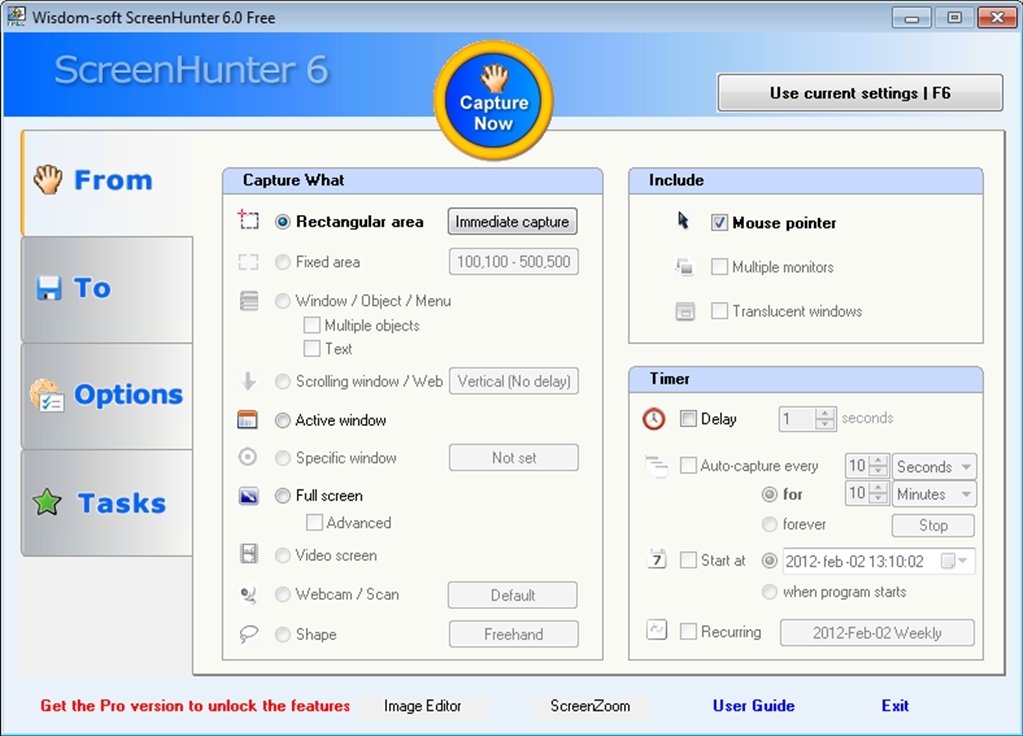
With ScreenHunter you'll be able to take screen captures in the following ways:
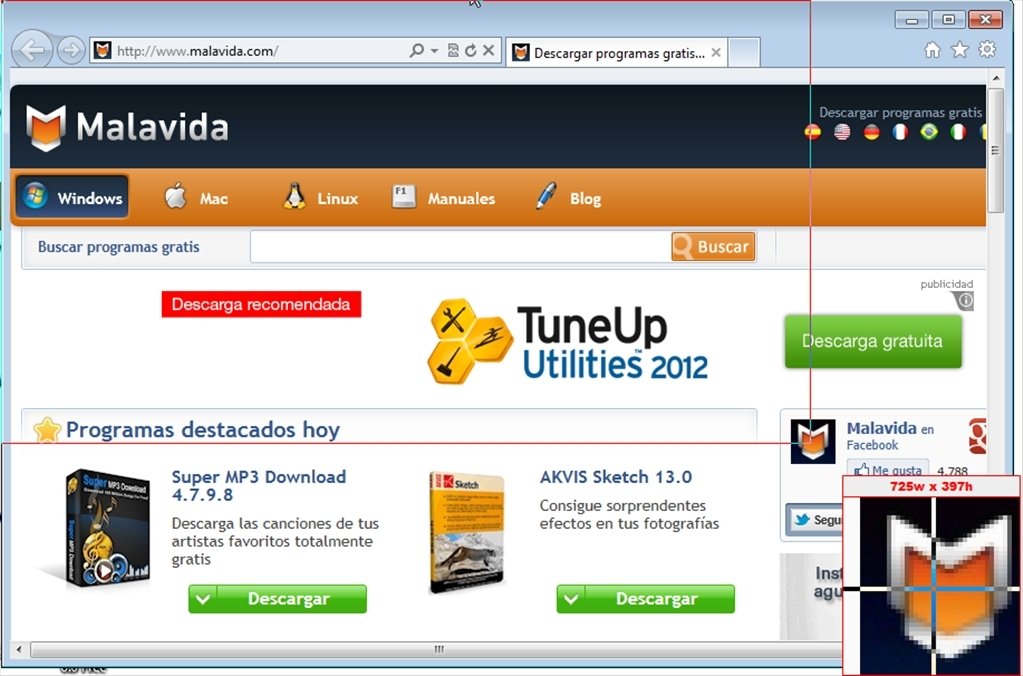
- A rectangular area that can be selected by moving the mouse.
- Capture the active screen.
- Capture the fullscreen.
- Include or exclude the mouse pointer.
- Apply a delay to the captures.
Thus, after having chosen the mode in which you want to take the capture you only have to click on the capture button, and ScreenHunter will disappear to take the capture. Once it has been taken you'll have the possibility to open the folder where the image has been stored.
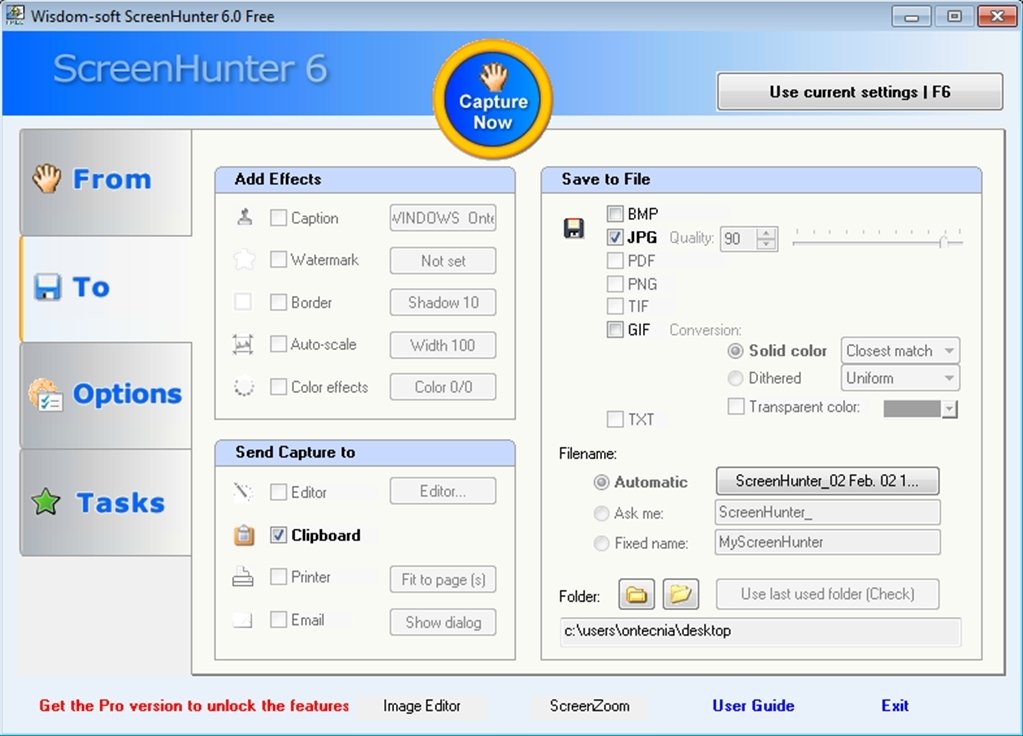
ScreenHunter allows you to store the images in JPEG, BMP or GIF format. It can also be configured so as to give the captures a specific name.
Download the free version of ScreenHunter today to quickly and efficiently take screen captures.
Requirements and additional information:
- The Free version doesn't include some of the Pro version's features.
 Leticia Sorivella
My name is Leticia. I really like movies, television, and music. That is why I studied Audiovisual Communication. In the beginning, I wanted to work in movies, but I ended up on television. Then, I went from being behind the cameras to being in...

Antony Peel